
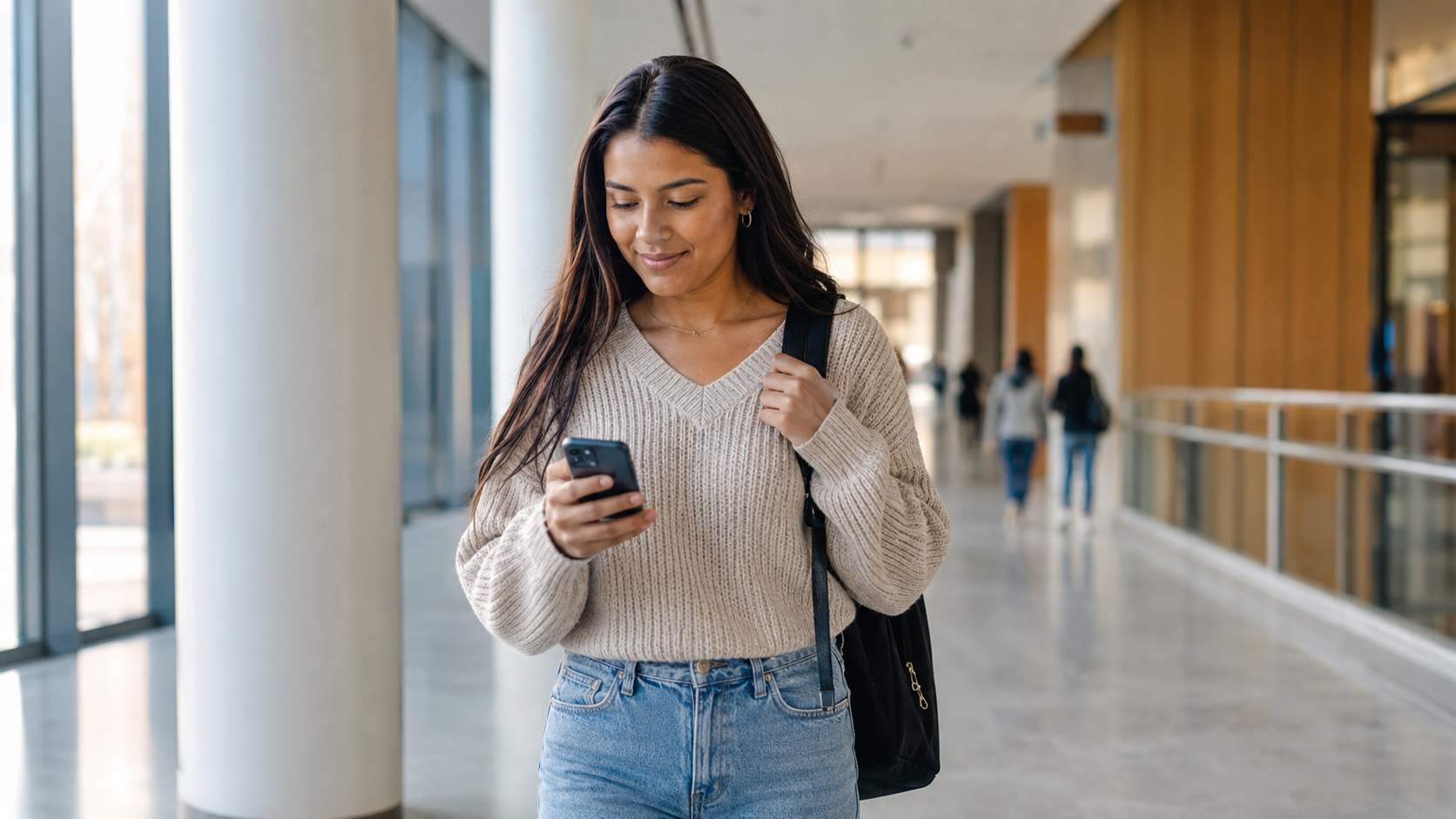
Getting a SIM card and internet setup in the USA may seem like a small task, but it can quickly become stressful after a long international flight. You may need mobile data to contact your family, open maps, order a ride, check your university email, or access your student housing information. The good news is that you do not need to understand every mobile plan on your first day. With a few simple steps, you can choose a practical option and stay connected without overspending.
This guide explains how international students can get a U.S. phone number, choose between a physical SIM card and an eSIM, compare mobile plans, use campus Wi-Fi safely, and arrange home internet when needed.
Why Getting a SIM Card and Internet Setup in the USA Matters
A reliable internet connection makes your first days in the United States much easier. You may need your phone for:
- Contacting your family after arrival.
- Using maps and public transportation apps.
- Communicating with your university.
- Accessing your student portal and email.
- Ordering food or booking a ride.
- Setting up banking, housing, and other essential services.
You may find free Wi-Fi at the airport, your university, or your accommodation. However, public Wi-Fi is not always available when you need it. A mobile data plan gives you more flexibility while you settle into your new routine.
Physical SIM Card or eSIM: Which Option Is Better?
Before choosing a plan, check whether your phone supports a physical SIM card, an eSIM, or both.
Physical SIM Card
A physical SIM card is a small card inserted into your phone. This option may work well if your phone has a SIM card slot and you prefer a traditional setup. You can usually purchase a physical SIM card from a mobile carrier store, authorized retailer, or other participating seller.
eSIM
An eSIM is a digital SIM built into a compatible phone. It allows you to activate a mobile plan without inserting a physical card. This can be convenient because you may be able to complete the setup online or through a carrier app.
Before choosing an eSIM, confirm that:
- Your phone supports eSIM.
- Your phone is unlocked.
- Your device is compatible with the carrier network.
- You have access to Wi-Fi during activation if required.
If you are unsure, check your phone settings or ask the mobile provider to confirm compatibility before making a payment.
How to Get a SIM Card and Internet Setup in the USA Step by Step
Step 1: Check Whether Your Phone Is Unlocked
An unlocked phone is not restricted to your previous mobile provider. This is important because a locked phone may not work with a new U.S. SIM card or eSIM.
Before traveling, contact your existing mobile carrier and ask whether your phone is unlocked. It is better to solve this issue before arrival rather than discovering it when you urgently need mobile data.
Step 2: Decide Whether You Need a Temporary or Long-Term Plan
Some students want a temporary plan for their first week or month. Others prefer to set up a longer-term mobile plan immediately.
A prepaid plan can be a practical starting point because it usually allows you to pay before using the service. This gives you time to understand your monthly data needs before choosing a long-term option.
When comparing plans, check:
- Monthly cost.
- Mobile data allowance.
- Talk and text limits.
- Hotspot or tethering availability.
- Coverage in your city and near your campus.
- International calling options.
- Any activation fees or extra charges.
Step 3: Compare More Than One Mobile Provider
Do not choose a plan only because it is the first option you see at the airport. Airport convenience can be useful, but you should still compare the plan details carefully.
Major carriers and smaller prepaid providers may offer different combinations of price, coverage, and data. The best choice depends on your city, campus location, phone compatibility, and personal usage.
Ask other students at your university which providers work well in the area. A low-cost plan is not helpful if the signal is weak near your residence or classrooms.
Step 4: Activate Your SIM Card or eSIM
Follow the carrier instructions carefully. Depending on the provider, you may activate your service through a website, mobile app, QR code, or store visit.
After activation:
- Restart your phone if needed.
- Test mobile data.
- Make a call or send a text message.
- Save your new U.S. phone number.
- Update your contact details where necessary.
Keep any activation details or account information in a safe place.
How to Set Up Home Internet in the USA
Your mobile plan may be enough during your first few days, but you may also need home internet for studying, video calls, assignments, and online classes.
Check Whether Internet Is Already Included
Before ordering a new internet service, ask your housing provider whether Wi-Fi is already included. Many dormitories, student apartments, and shared housing arrangements already provide internet access.
Ask these questions:
- Is Wi-Fi included in the rent?
- Is there an extra monthly fee?
- Is the connection shared with other residents?
- Do I need my own router?
- How do I receive the network login details?
Compare Home Internet Plans Carefully
If you need to arrange your own home internet, compare the total cost instead of looking only at the advertised monthly price. Check the provider’s broadband label and review:
- Standard monthly price.
- Introductory price and how long it lasts.
- Expected internet speed.
- Data limits, if any.
- Equipment rental fees.
- Installation or activation fees.
- Cancellation terms.
If you share an apartment, discuss the cost with your roommates before ordering a plan. Decide whose name will appear on the account and how the monthly payment will be divided.
Using Campus Wi-Fi Safely
Most universities provide campus Wi-Fi for enrolled students. You may need your student login details or help from the university technology support office.
Campus Wi-Fi can be useful for classes, studying, and accessing university systems. However, be careful when using public Wi-Fi at airports, cafes, or shopping areas.
Follow these basic precautions:
- Use official campus networks whenever possible.
- Avoid entering sensitive information on unknown public networks.
- Do not share your university password.
- Use strong and unique passwords.
- Enable multi-factor authentication when available.
- Confirm the correct Wi-Fi network name before connecting.
Common Mistakes to Avoid When Setting Up a SIM Card and Internet in the USA
Mistake 1: Buying a Plan Before Checking Phone Compatibility
Your phone may not support the carrier network or eSIM option. Always check compatibility first.
Mistake 2: Forgetting to Unlock Your Phone Before Traveling
A locked phone may prevent you from using a new SIM card. Contact your current carrier before your flight.
Mistake 3: Choosing a Plan Only Because It Looks Cheap
Look at coverage, data limits, hotspot access, fees, and renewal terms. A low advertised price may not show the complete cost.
Mistake 4: Ordering Home Internet Before Checking Your Housing
Your apartment or dormitory may already include Wi-Fi. Confirm this before signing up for another service.
Mistake 5: Using Public Wi-Fi Carelessly
Public networks can be convenient, but use them carefully. Avoid accessing sensitive accounts when the network is unfamiliar.
Practical Advice for Your First Week in the USA
Keep your setup simple during your first week. Start with a plan that gives you reliable mobile data and enough time to compare your long-term options.
- Save your university address and housing address offline.
- Keep screenshots of important travel and housing details.
- Download maps for offline use before leaving the airport.
- Ask your international student office about campus Wi-Fi.
- Compare provider coverage near your campus and residence.
- Keep your mobile account login details in a secure place.
Final Thoughts on Getting a SIM Card and Internet Setup in the USA
Getting a SIM card and internet setup in the USA does not need to be complicated. First, confirm that your phone is unlocked and compatible. Then compare physical SIM card and eSIM options, choose a practical mobile plan, activate your service carefully, and check whether your housing already includes Wi-Fi.
You do not need to find the perfect plan immediately. Start with a reliable option, learn about your local area, and adjust your plan later if your needs change. A little preparation can help you stay connected, feel more confident, and settle into student life smoothly.
This content is for educational guidance only. Mobile plans, prices, coverage, and internet services can vary by provider, device, and location. Always confirm the latest terms directly with the service provider before purchasing a plan.
From university selection and scholarships to F-1 visa interview preparation — expert guidance built for international students.